Steps5
- Open Kownt X in a browser on a computer.
- Open Inventory tools.
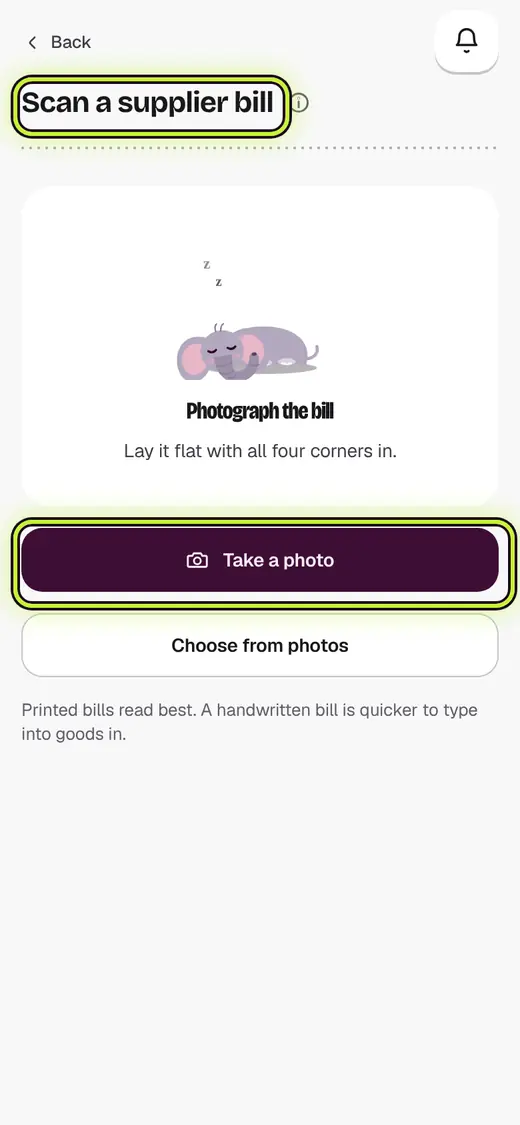
- Tap Scan a supplier bill.
- Tap Take a photo. Lay the bill flat.
- Check each line against the paper.
If it stops you
Bills are read in the web app for now: on the phone, type it in instead.
Still stuck?
In the app, tap ? on the screen you are on and ask in your own words. Or email support@kowntx.com. A person replies in writing. Never send your PIN, code or card number.